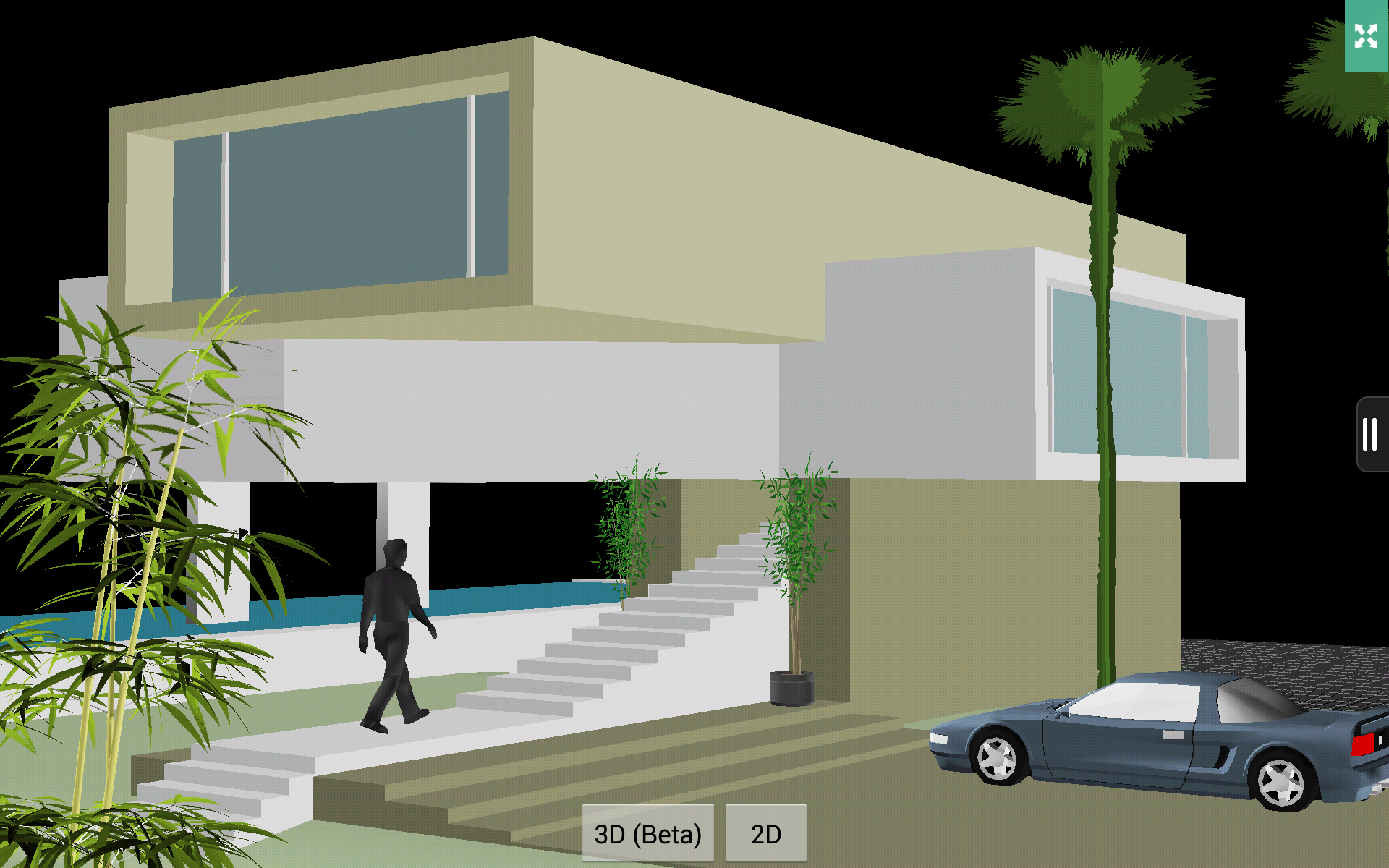
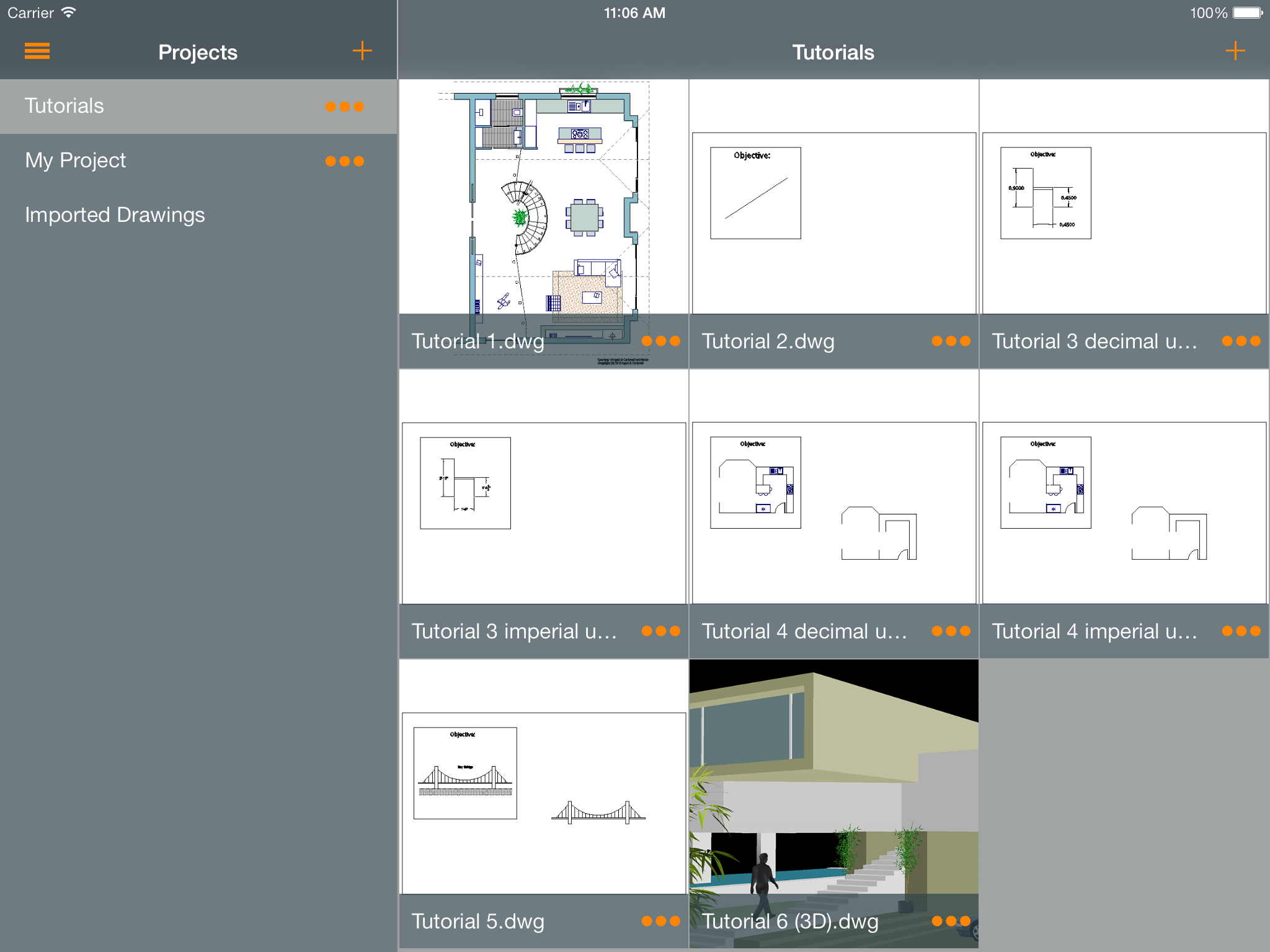
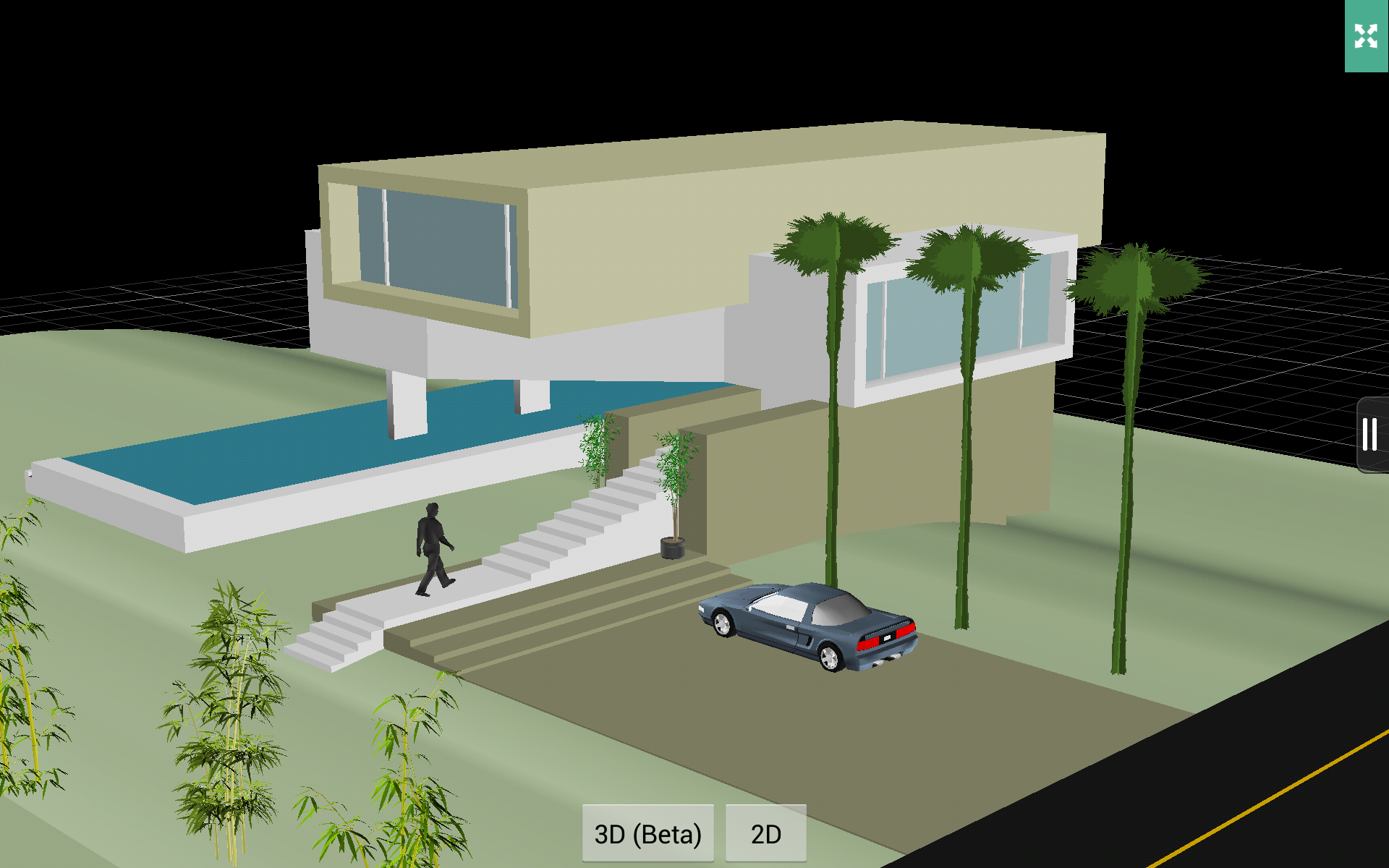
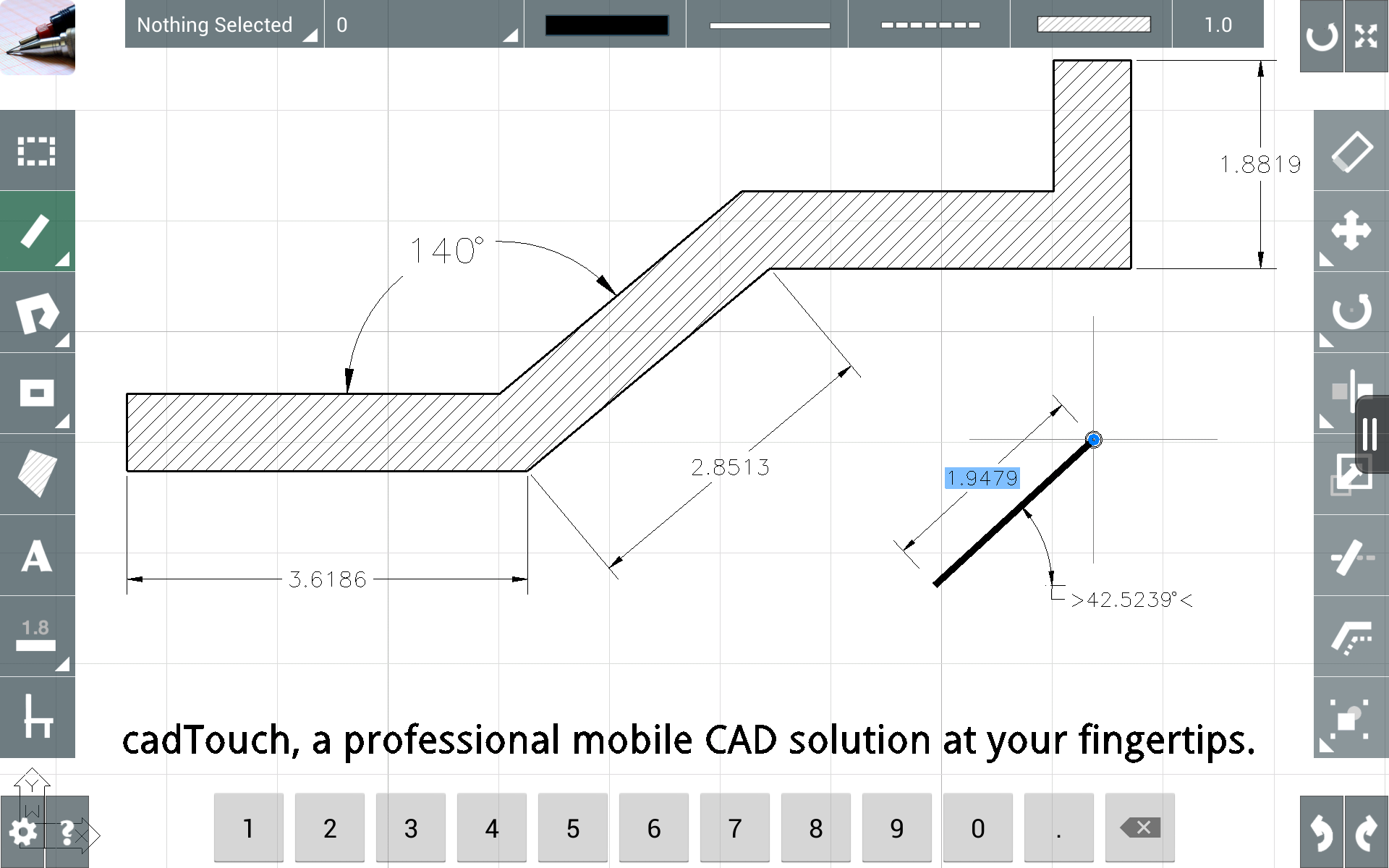
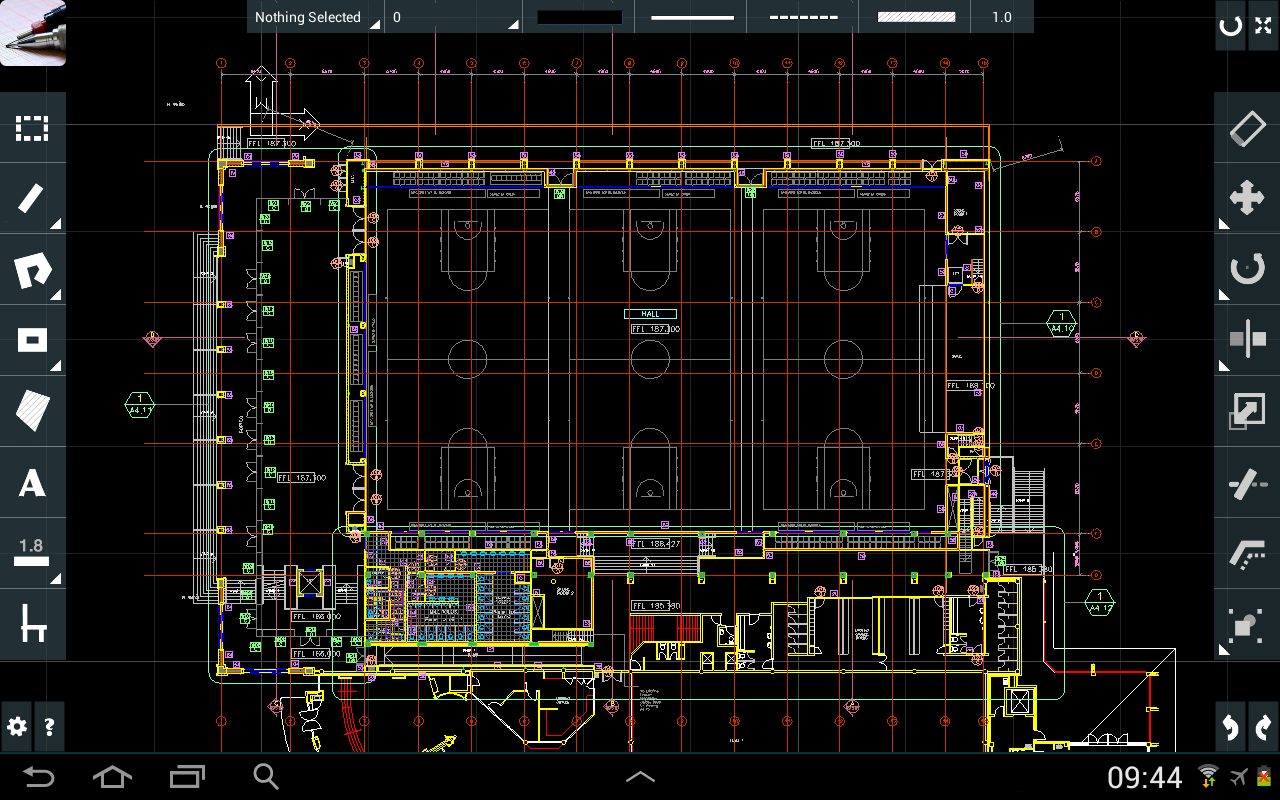
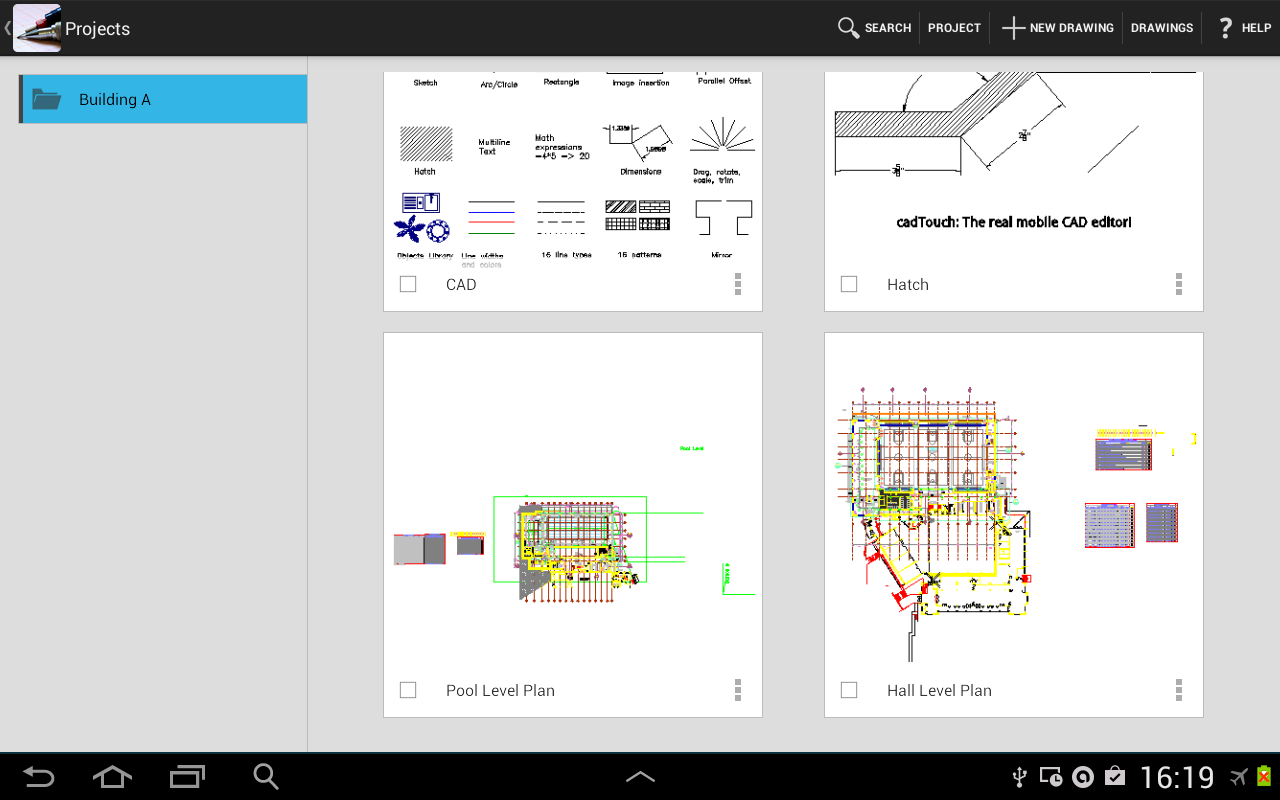
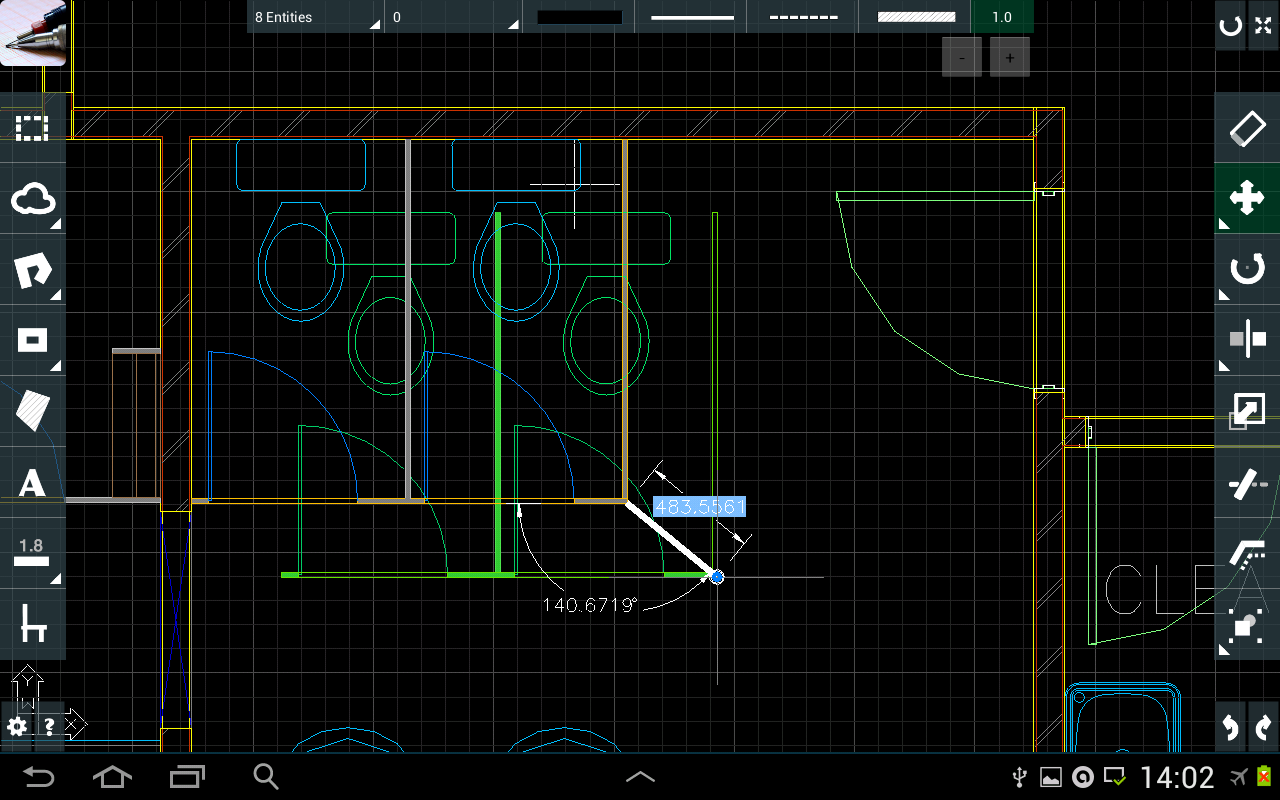
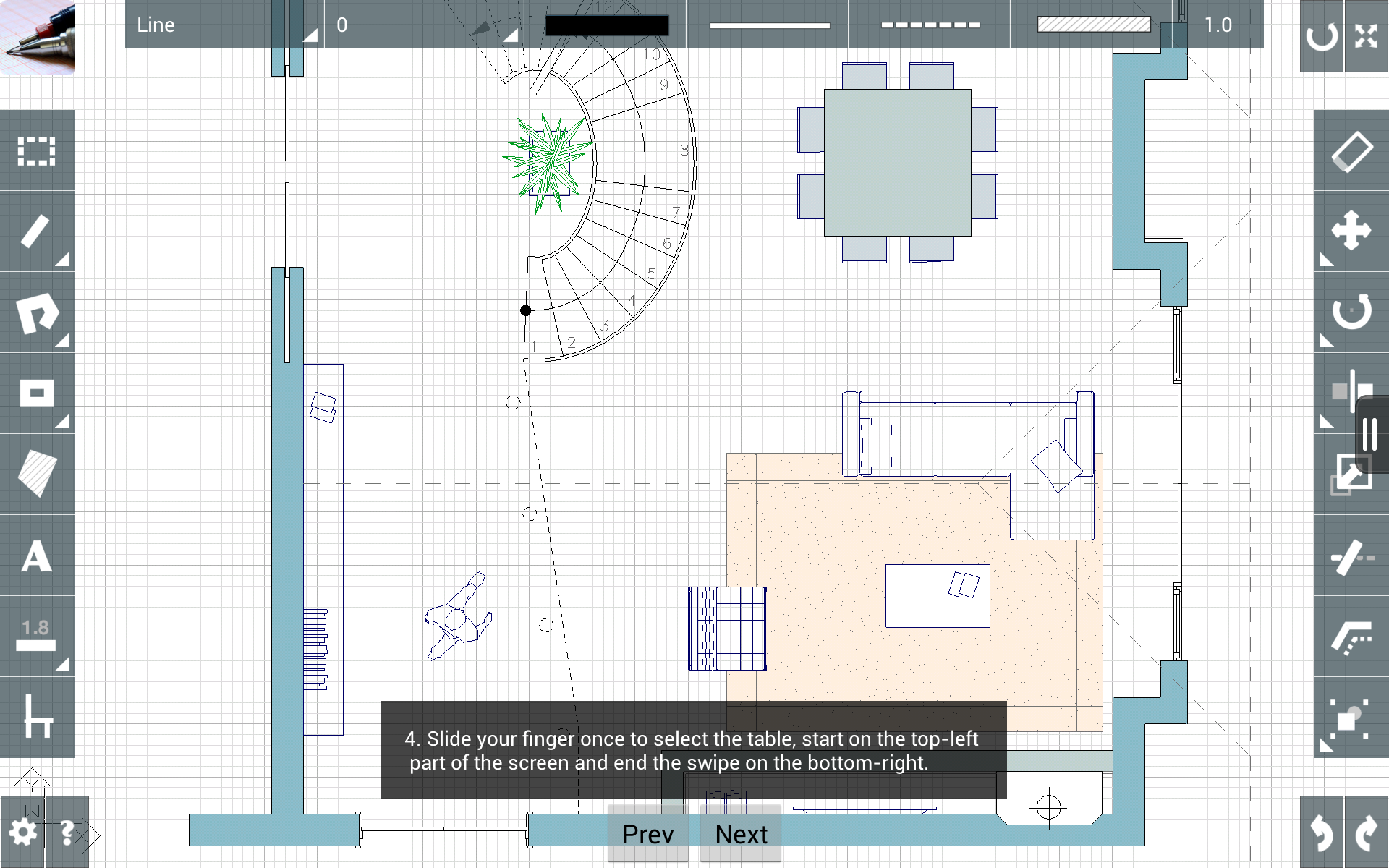
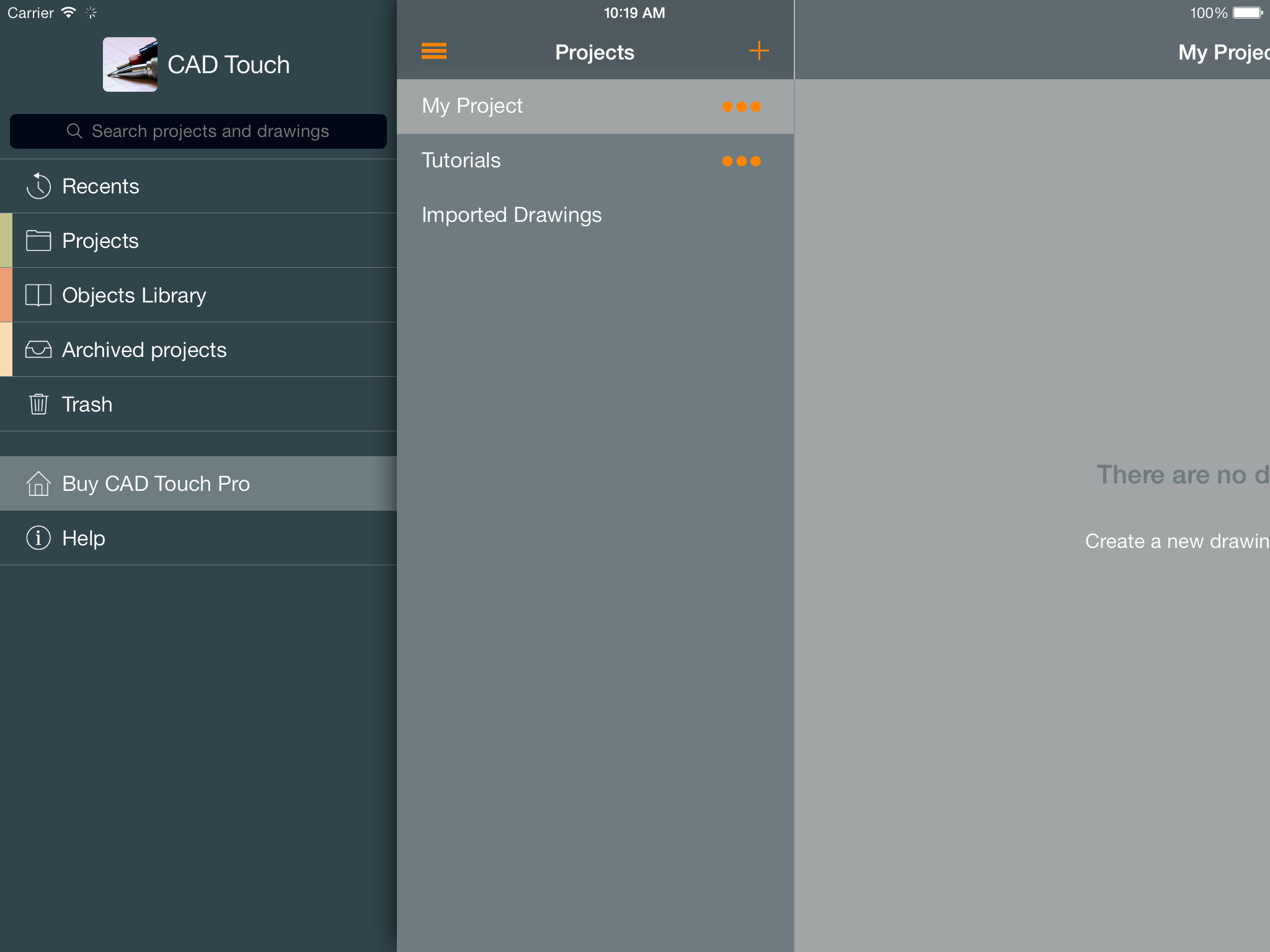
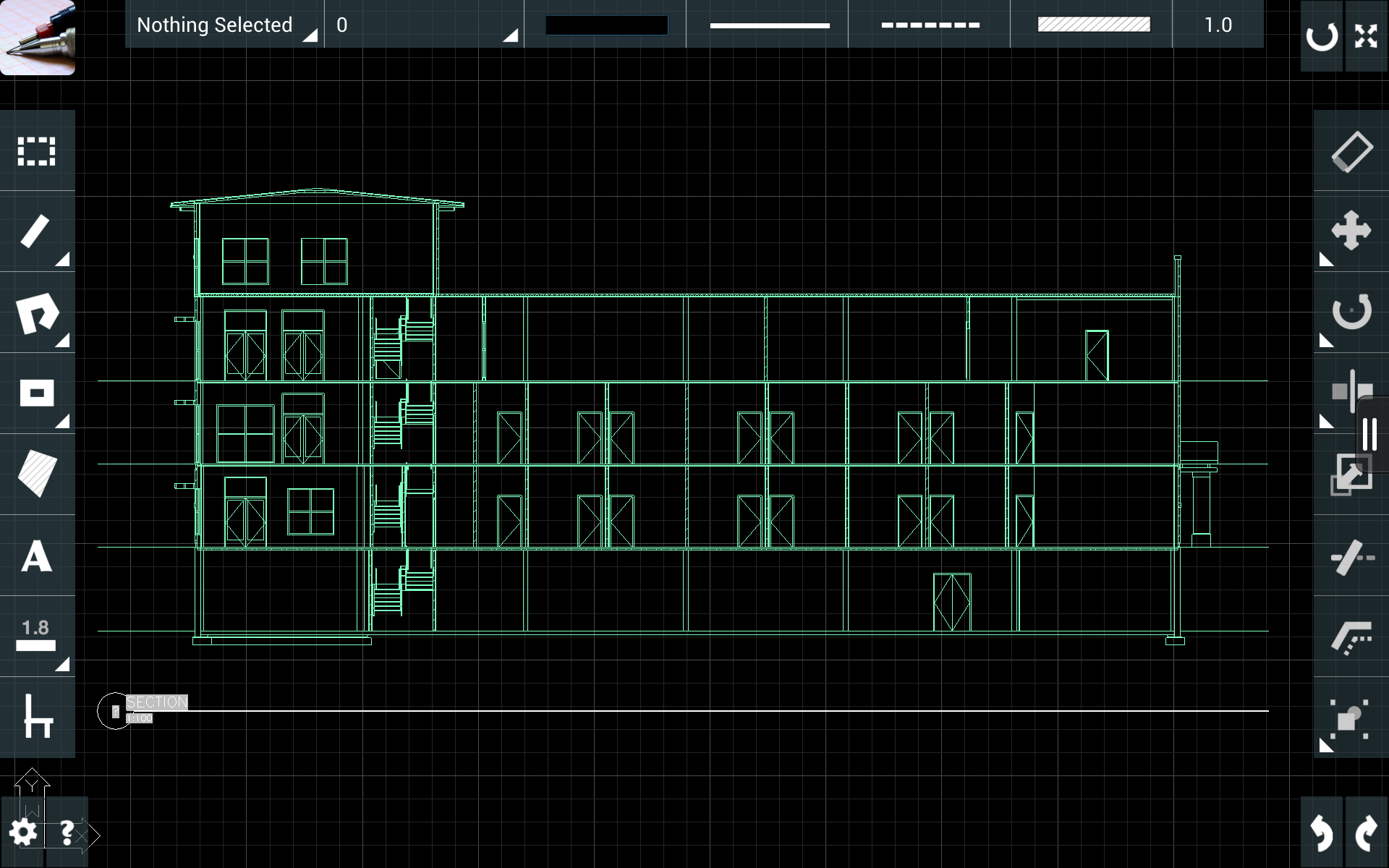
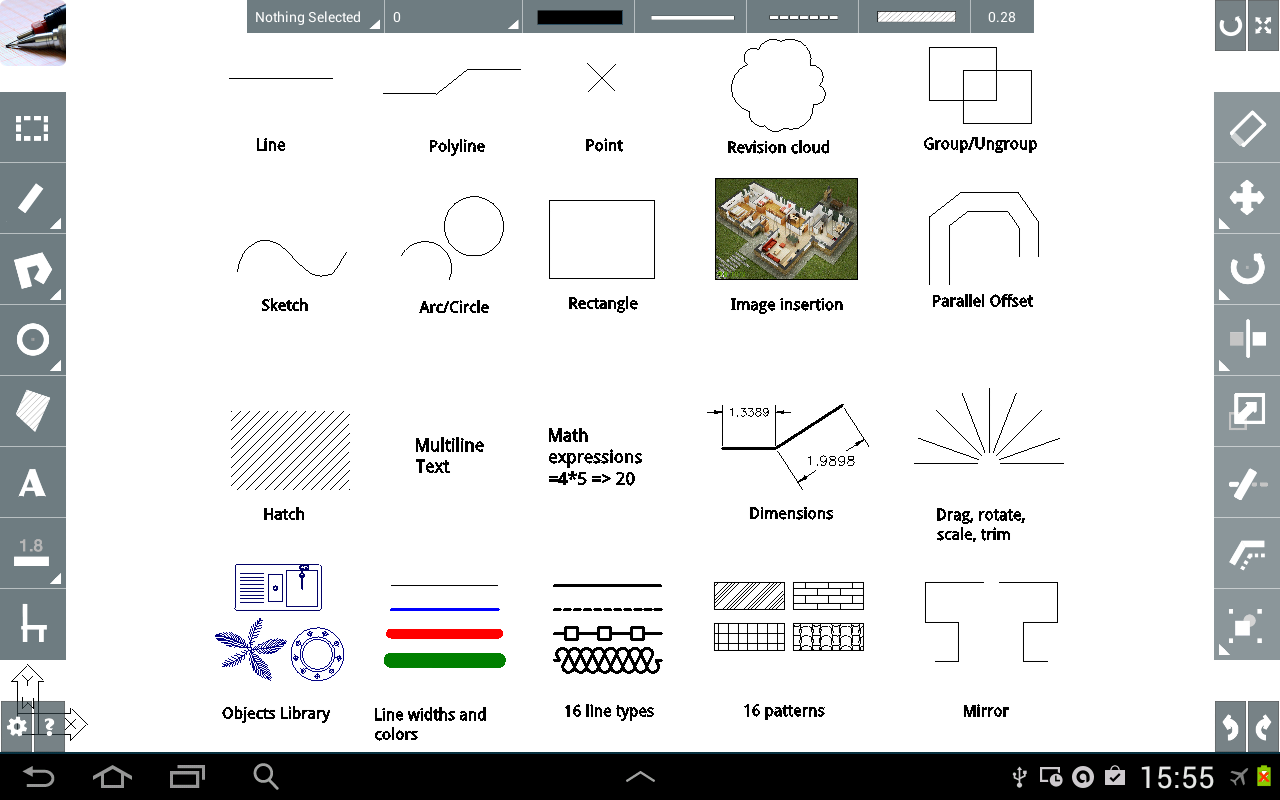
cadTouch R3 iPad edition (v3.0): cadTouch R3 for iPad reinvents on-site drafting, unrivaled ease of use and unprecedented multitouch workflow speeds. cadTouch follows you on the workplace, view, edit and query information from your DXF files. Finally replace paper and pencil when surveying real-estate properties or when detailing mechanical parts, architecture and structural elements; take the professional advantage of producing desktop-class CAD documents as you measure.
Main features (v3.0):
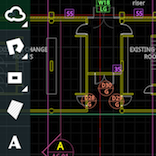
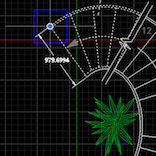
• Complete-featured mobile CAD solution, draw with ease and precision (lines, polylines,rectangles and curves). Using our innovative angle-distance polar coordinates method, the multitouch screen of your device is now the fastest and more accurate way to draw anything technical on the go (from building silhouettes to mechanical details) and review/query/edit your desktop-produced drawings right where you need them, on the worksite.
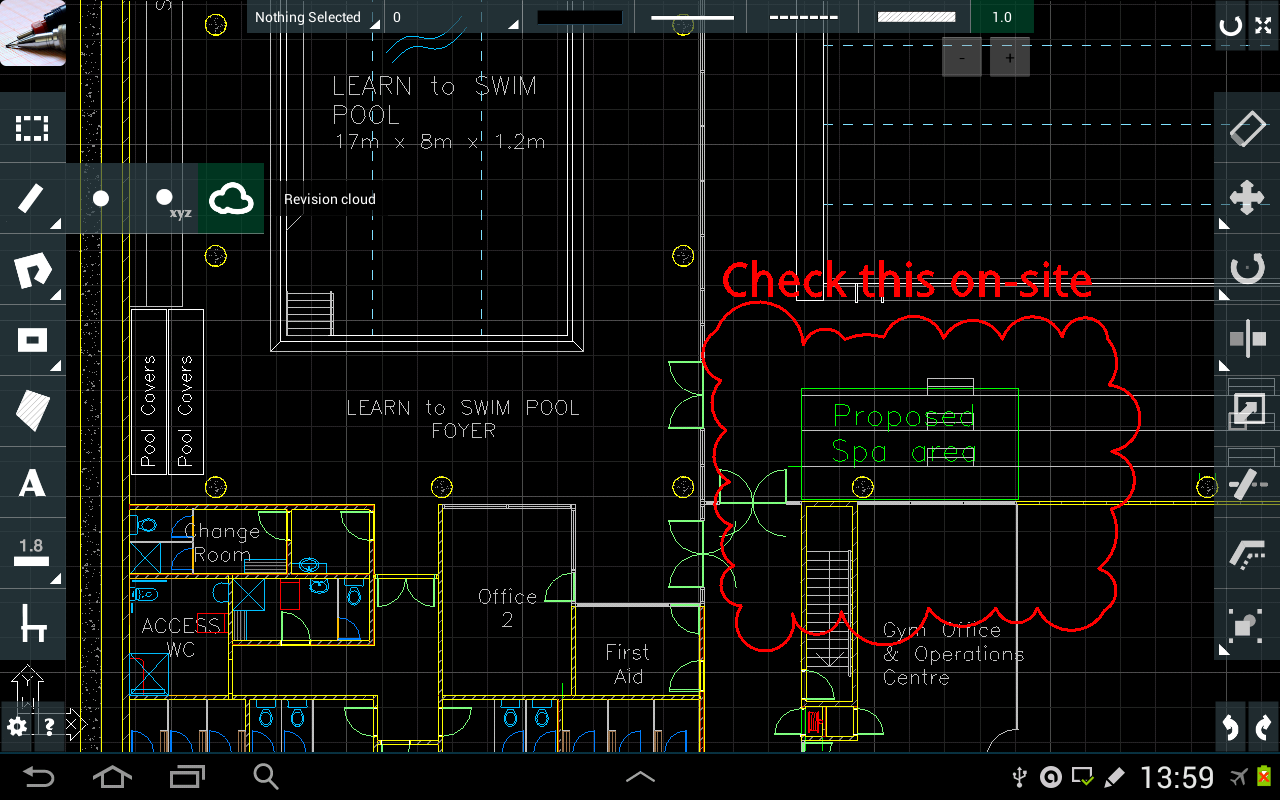
• When you are at the construction site, cadTouch will give you the details and flexibility paper won't. You can query lengths, surfaces, moments of inertia. You can move, delete and add geometry on the fly.
• This iPad version has major features over the iPhone version: new selection method, always-on snap system, H-V alignment guides and thanks to the better iPad multitouch screen cadTouch now delivers precise free-hand distance input.
• Native DXF file support, now you can open and save your work on the same format you use on your desktop computer, this bridges your office to your site, you will always have your drawings with you when you really need them. (compatible with AutoCAD™, ArchiCAD™, SketchUp™, Illustrator™, Solidworks™, Vectorworks™ and every DXF-capable software).
• Save your drawings and send them as a email attachment directly from cadTouch on native DXF format (imagine the time your will save sending your survey or detail to your office as soon as you finish measuring).
• cadTouch for iPad uses iTunes™ file-sharing (drag and drop DXF files from your computer) and can open incoming mail attachments.
• Tech specs: draw lines, polylines, rectangles, circles, arcs, fix UCS, delete, drag, drag a copy, rotate, mirror, hold selection, entities information, query distance, area, perimeter, centroid, moments of inertia, angles, arc's lenght, undo.
- Please follow our PDF guide and video-tutorials to get easily started. You can browse our help contents here or directly via cadTouch's CTR3 menu. Buy cadTouch R3 for iPad from iTunes now: cadTouch R2 iPhone edition (v2.2):
cadTouch is a revolutionary CAD (computer aided design) software that follows you whenever you are, draw floorplans or land surfaces (and calculate area and perimeter), façades, mechanical or structural parts (and calculate moments of inertia), diagrams, field notes, and more with precision and right from the palm of your hand. Then send your drawings instantly via e-mail or FTP.
Whenever you are an architect, a designer, an structural or mechanical engineer, surveyor, real estate agent or just want to improve your home yourself, cadTouch is here to bridge the field to the office. Main features (v2.2):
- Complete-featured mobile CAD solution, draw with ease and precision (lines, polylines,rectangles, curves and sketches). Using our innovative angle-distance polar coordinates method, the multitouch screen of your device is now the fastest and more accurate way to draw anything technical on the go (from building silhouettes to mechanical details) and review/query/edit your desktop-produced drawings right where you need them, on the site of construction.
- When you are at the construction site, cadTouch will give you the details paper won't. You can query lengths, surfaces, moments (even pre-estimate the flexional resistance of a beam). You can move, delete and add geometry on the fly.
- Our graphics engine is completely hardware-accelerated, fluid graphics even for very large drawings, unlimited drawing area with continuos zooming and fullscreen mode to show your work on the go with ease.
- Native DXF file support, now you can open and save your work on the same format you use on your desktop computer right on your iPhone™ or iPod™, this bridges your office to your site, you will always have your drawings with you when you really need them. (compatible with AutoCAD™, ArchiCAD™, SketchUp™, Illustrator™, Solidworks™, Vectorworks™ and every DXF-capable software).
- Every imported drawing is read natively, this means two important things:
1. You can edit the DXF files right from the palm of your hand (delete, move, copy objects).
2. You can query any distance, area, perimeter, centroid and moments from every drawing you impo rt or draw.
- Save your drawings and send them as a email attachment directly from cadTouch on native DXF format (imagine the time your will save sending your survey or detail to your office as soon as you finish measuring).
- FTP connectivity, access your computer or your company's file server right from the field with WiFi, EDGE or UMTS and download/upload all your drawings.
Buy cadTouch R2 for iPhone from iTunes now: DISAMBIGUATION ABOUT DIFFERENCES BETWEEN IPAD AND IPHONE VERSION: Currently we are working at the next cadTouch update for iPhone that will bring the power of cadTouch R3 for iPad into an ultra-mobile platform as the iPhone. As you can see on the AppStore, cadTouch for iPad is detached from it's iPhone counterpart, the reason for this is that we do not consider the iPad as a gigantic iPhone, the iPad changed it all, the value added to the ease of use is phenomenal, specially when you are surveying details, rooms and pieces. The iPad has a way better touchscreen, way better screen and for CAD purposes it has the almost 1inch thick black border that makes it easy to hold with one hand while drawing with the other hand. We really believe the iPad will change the CAD industry and with tools like cadTouch R3, your productivity boost will convince you too. With that said, for now on, our main releases of cadTouch will take place on this way more professional platform, the iPad. We have very important updates to come, very nice features waiting for you and the iPad is really revolutionary device for us to bring you this novelty. The iPhone versions will resemble the iPad ones and will always be updated in a tick(iPad) and tock(iPhone) basis, but for our iPhone releases we'll concentrate on mobility leaving the more advanced (time and screen-space consuming) features for the iPad's bigger release. For this reason we'll call our iPad releases "cadTouch R3","cadTouch R4" and so on while we'll call our iPhone releases "cadTouch R3 Pocket Edition", "cadTouch R4 Pocket Edition" and so on. |